ContentKit
Populate Anything.
Tell better stories with real data. Sync text, variant properties, component instances, and more. Keep all your designs up to date in a click.
Features
Create and edit in Figma
No need to leave Figma or juggle different files. Create and edit datasets directly in your design files.
Generate datasets with AI
Get started quickly with AI-generated content. Generate entire datasets that you can use in your prototypes.
Populate variants and properties
ContentKit goes further than simple text. Now you can update variant properties and swap instances, so you can populate anything.
How it works
-
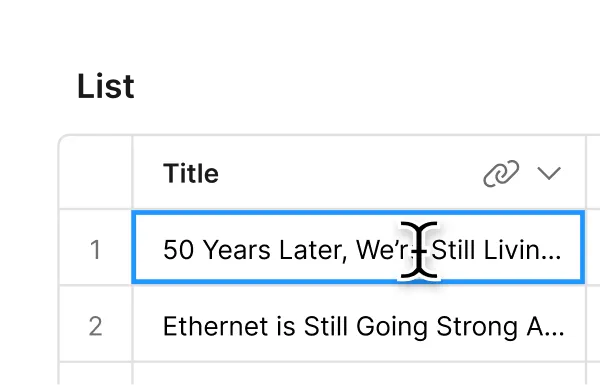
Create content
Create sets of content in the plugin or web app and group them into projects and screens. -
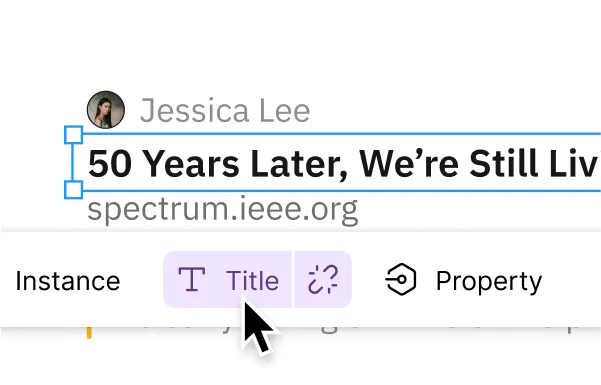
Assign to layers
The intuitive interface shows you which properties are available for your selection. -

Blazing fast sync
ContentKit is optimized for large files so you can spend more time on iterations and the work you love.
Edit in Figma or your browser
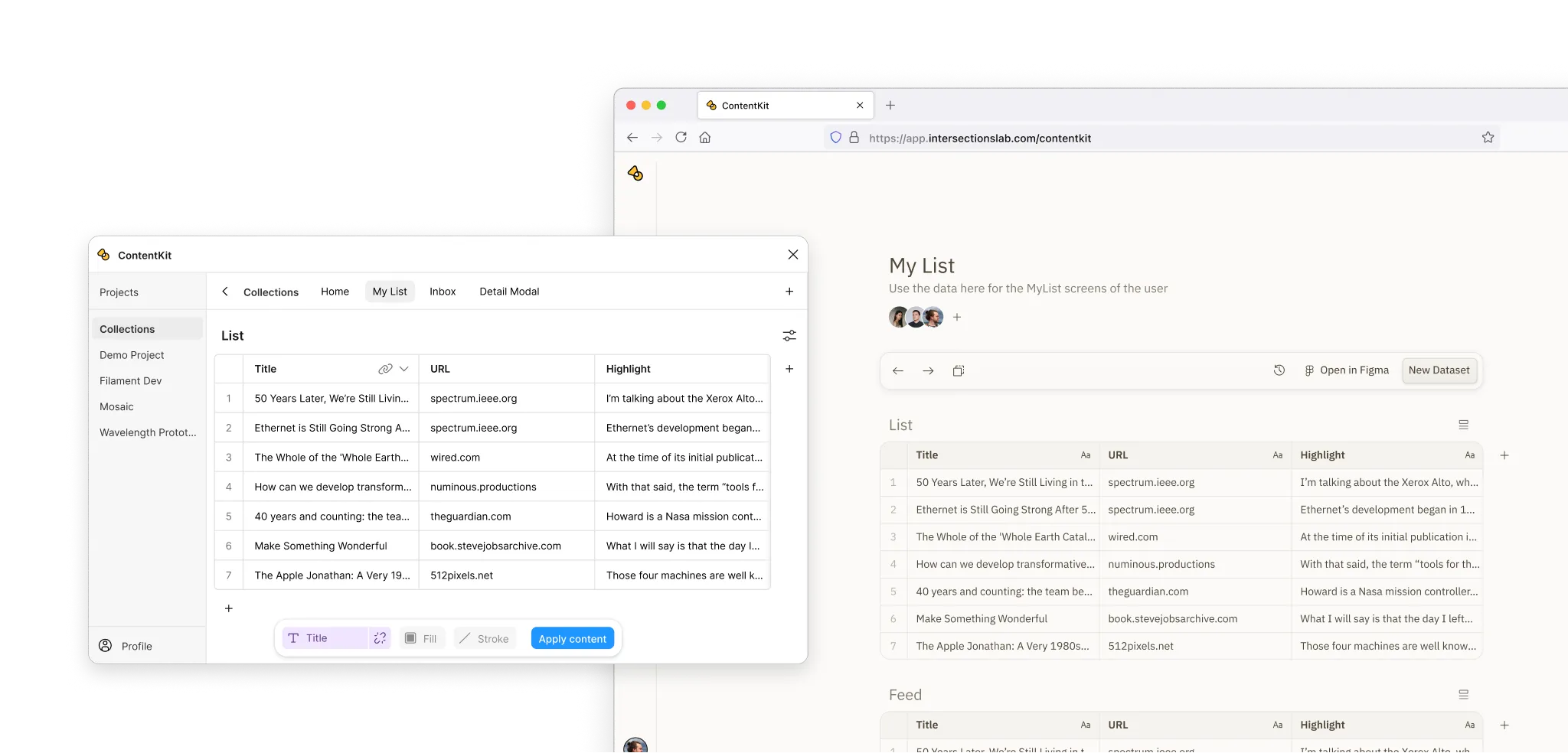
ContentKit is available from right within Figma and the web, where you can share content with your team and clients and edit it anywhere. If you have existing data, you can import it from Excel or CSV files.
Pricing
Try out ContentKit for free or unlock the full feature set with Pro.
Demo
Try the plugin directly in Figma. Use the included demo project to explore all features. No account needed.
Open DemoFree
Sign up to save your changes. Access the web app and edit the demo project. Use existing Pro projects.
Sign upPro
$11.99 / user / month
$119 / user / year
Create unlimited projects and datasets, invite your team, and collaborate seamlessly. You can also generate content with AI.
Start Trial